Step 1: Sort what you have
Before you buy a single binder, get everything onto a table and sort in rough passes. You'll make better decisions once you can see the whole collection.
- Pull out the cards you care about mostAnything valuable, sentimental or holographic goes into sleeves straight away, so it's protected while you sort the rest.
- Sort by setThe set symbol and card number are at the bottom of the card. Sorting by set first makes every other way of organizing easier later.
- Put each set in number orderGaps jump out once cards are in order, and that's the start of your want list.
- Set aside bulkDuplicate commons, uncommons and basic Energy can live in storage boxes. You don't need to binder everything.
Tip: Not sure which set a card is from? Search its name or number in binder.studio. The card details show the set, number, rarity and illustrator.
Step 2: Choose how to organize
There's no single right way. Most collectors use one main approach and a few smaller "theme" binders. Here are the common ones:
| Organize by | Best for | Start here |
|---|---|---|
| Set | Completing sets and master sets, and seeing exactly what's missing. | Set guides |
| Pokémon | Collecting every card of a favorite, or building a Pokédex binder. | Cameo guide |
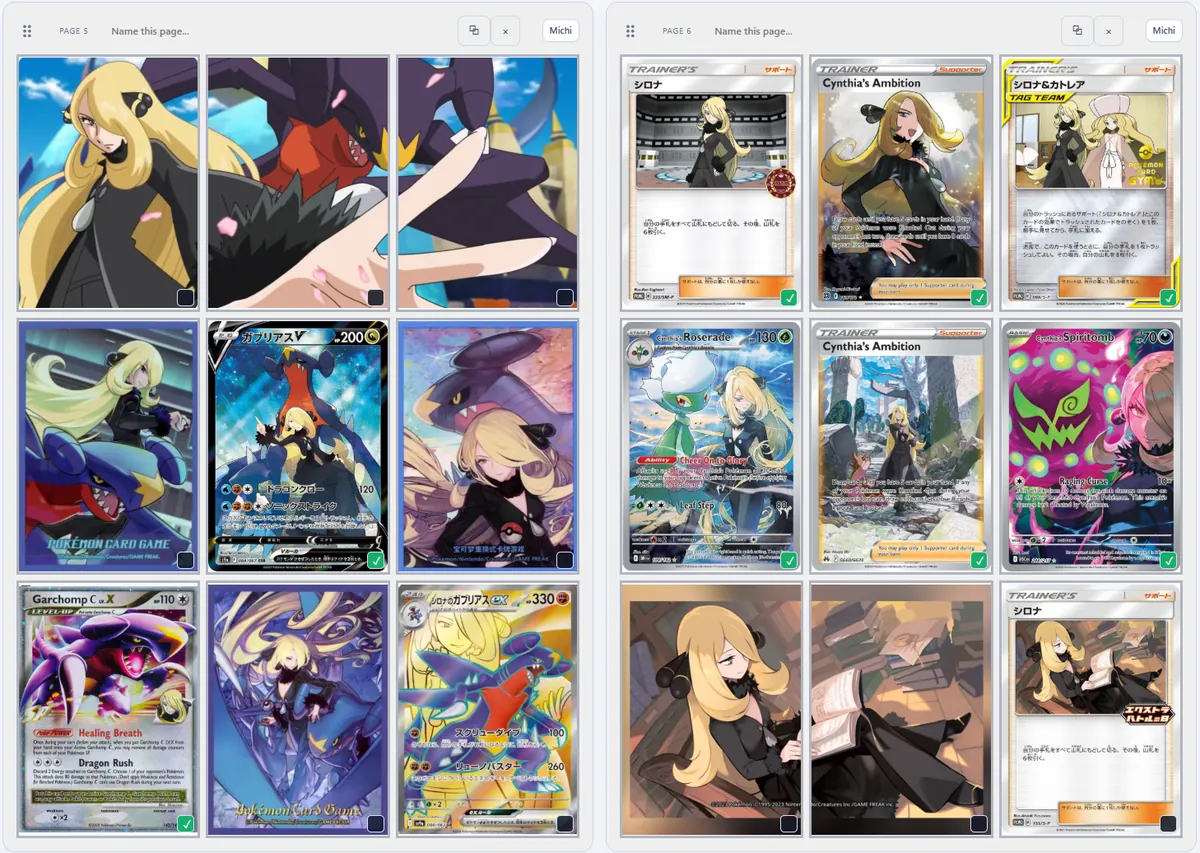
| Trainer or theme | Gym leaders, rivals and other characters, or themes like cameos. | Cynthia template |
| Illustrator | Following one artist's style across every era. | Illustrator binders |
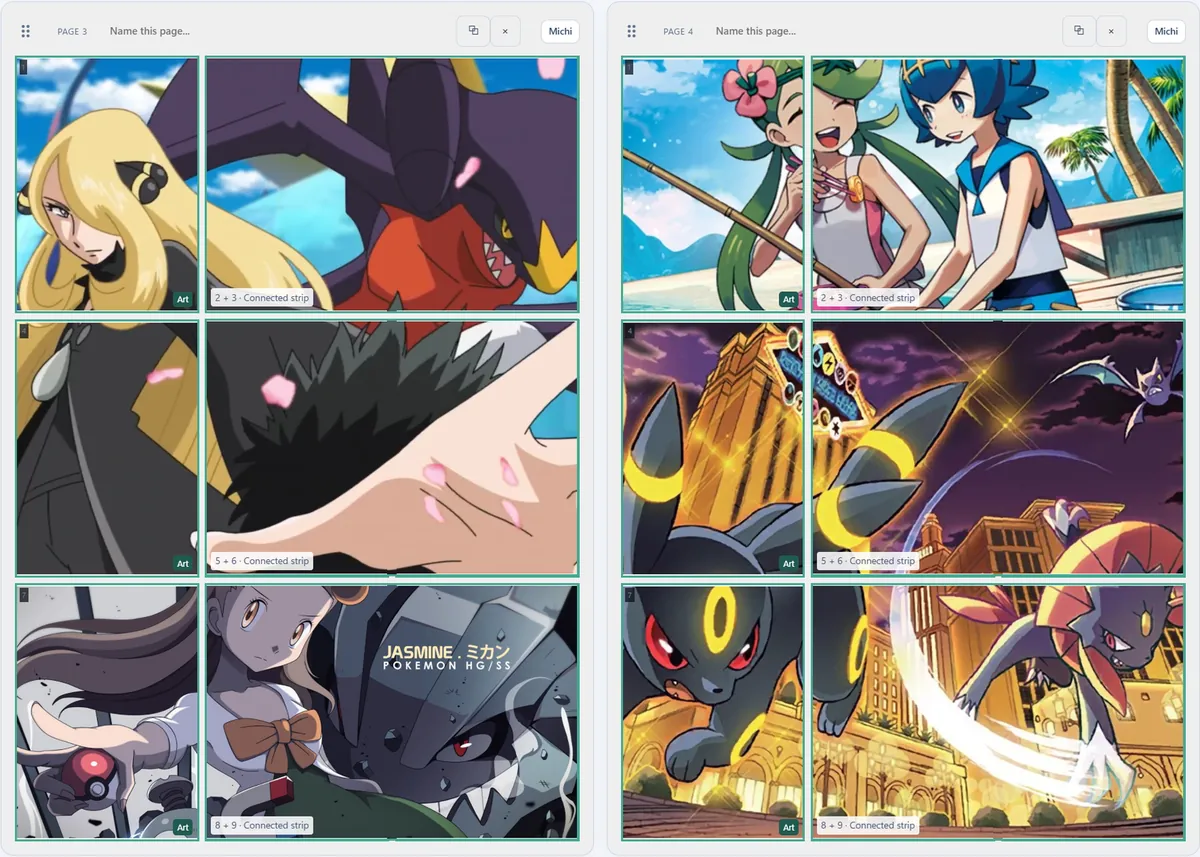
| Art and display | Show-off pages with art inserts across pockets. | Michi Method ideas |
| Type or color | Rainbow binders that look great on every page. | Art inserts |
Collect more than one game? The same approaches work for One Piece, Magic, Grand Archive and Riftbound. See binder ideas for other TCGs.
Step 3: Pick your storage
Binders for the cards you want to see
- Pocket layout: 9-pocket is the classic, 12-pocket fits big sets in less space, and 4-pocket shows off favorites.
- Side-loading pockets hold cards more securely than top-loading ones, because cards can't slide out when the binder is tipped.
- Zip binders keep out dust, and zip or fixed-page binders avoid the dents that O-ring binders can leave on cards near the rings.
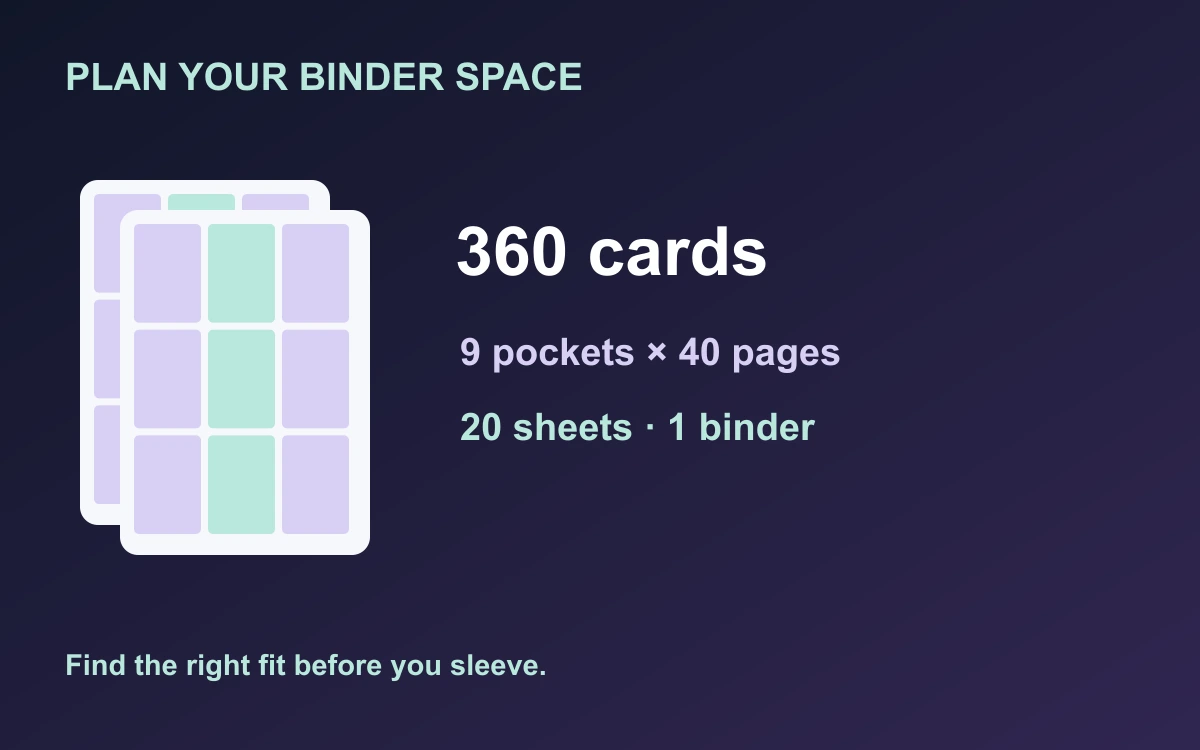
- Size: a typical 20-sheet binder holds 160 cards in 4-pocket, 360 in 9-pocket and 480 in 12-pocket. The binder calculator tells you exactly what you need.
Boxes for everything else
- Bulk and duplicates are best stored upright in card storage boxes, sorted by set.
- High-value cards often go in a sleeve plus a toploader or a graded slab, and you can track those in binder.studio too.
- Keep everything dry, out of direct sunlight and away from big temperature swings.
Step 4: Plan every page before you sleeve
Moving cards around a binder ten times wears out pockets and patience. Planning first means you sleeve each card once.
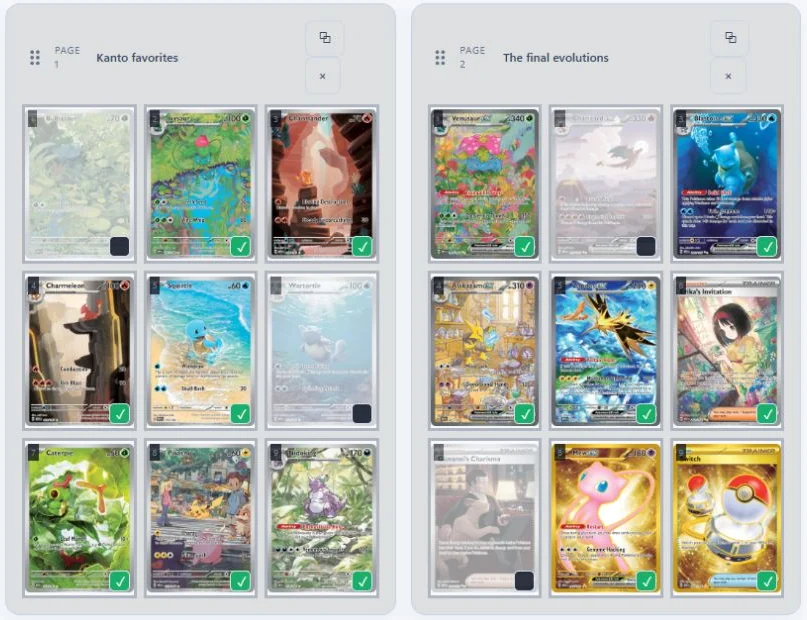
- Create a binder and choose its layoutPick 4, 9 or 12 pockets to match your real binder. A set template fills it for you in one click.
- Add cardsSearch by name or number, or try the Photo Importer (beta) on desktop to match cards from a photo.
- Arrange the pagesDrag cards between pockets, name your pages and leave intentional gaps for cards you'll add later.
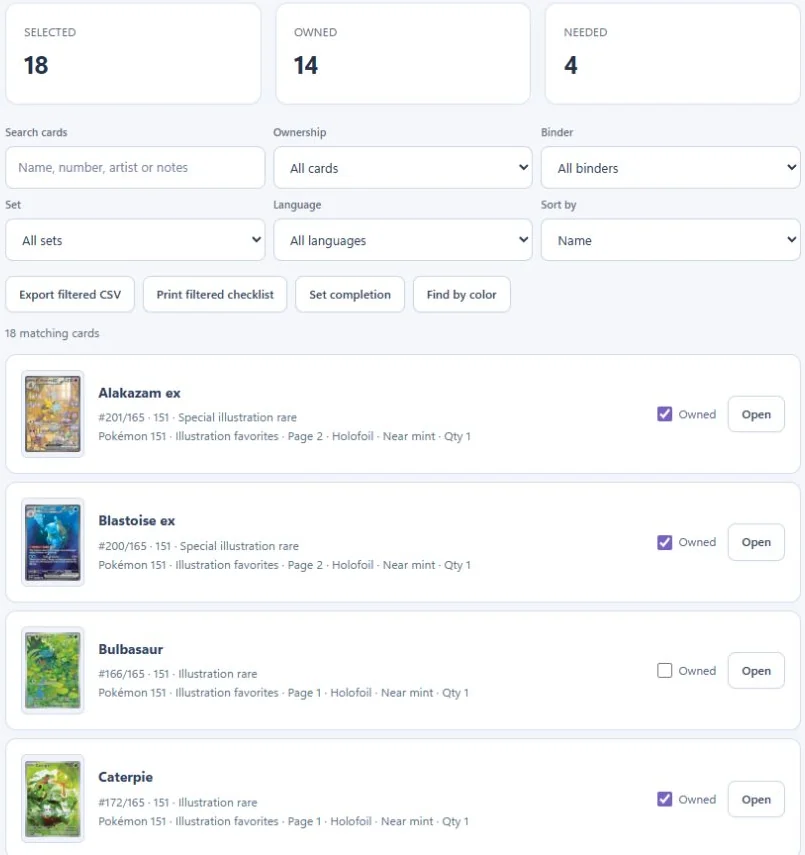
- Tick ✓ what you ownYour collection checklist shows what's owned and what's still needed across every binder.
- Print and sleevePrint the page layout or your missing list, then sleeve each card straight into its planned pocket.
Step 5: Keep it organized
- Leave room to grow. An empty page at the end of each binder saves you re-sleeving everything when new cards arrive.
- Add new sets as they release. Each set guide has a template ready to go.
- Back up your plan. binder.studio saves your binders in your browser, and you can download a backup anytime.
- Check before you buy. Find in binders tells you if a card is already planned somewhere, so you don't buy doubles by accident.
Frequently asked questions
Should I organize Pokémon cards by set or by Pokémon?
By set if you want to complete sets or track value, because cards stay in number order and gaps are easy to spot. By Pokémon if you collect favorites. Many collectors do both: set binders for completion and a smaller binder for their favorite Pokémon.
How many cards fit in a binder?
A typical 20-sheet binder holds 160 cards in 4-pocket, 360 in 9-pocket and 480 in 12-pocket. Use the binder calculator for any set or card count.
Are binders safe for Pokémon cards?
Good binders are. Look for acid-free pages and side-loading pockets, and avoid overfilling pockets or using O-ring binders that press on the cards nearest the rings.
Should cards be sleeved inside a binder?
Sleeving cards before placing them in a binder is highly recommended, especially for valuable or sentimental cards. Choose sleeves sized for Pokémon cards and binder pockets that comfortably accommodate the sleeved card. Cards should slide in and out easily without bending or catching at the edges. If the fit feels tight, stop and use a better-fitting sleeve or pocket—never force a card in or out.
What should I do with bulk cards?
Store them upright in card boxes, sorted by set. Bulk is handy for decks, trades, theme binders like cameo collections, or giving to new collectors.