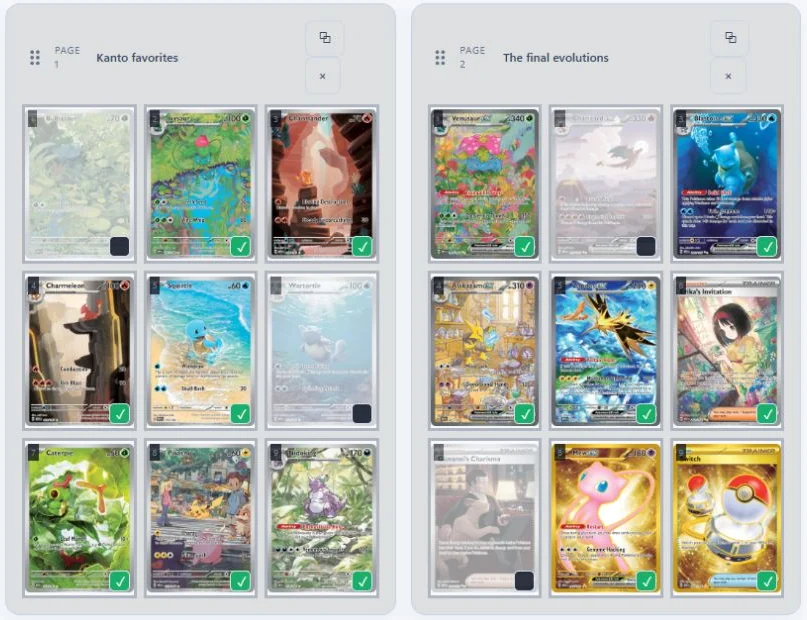
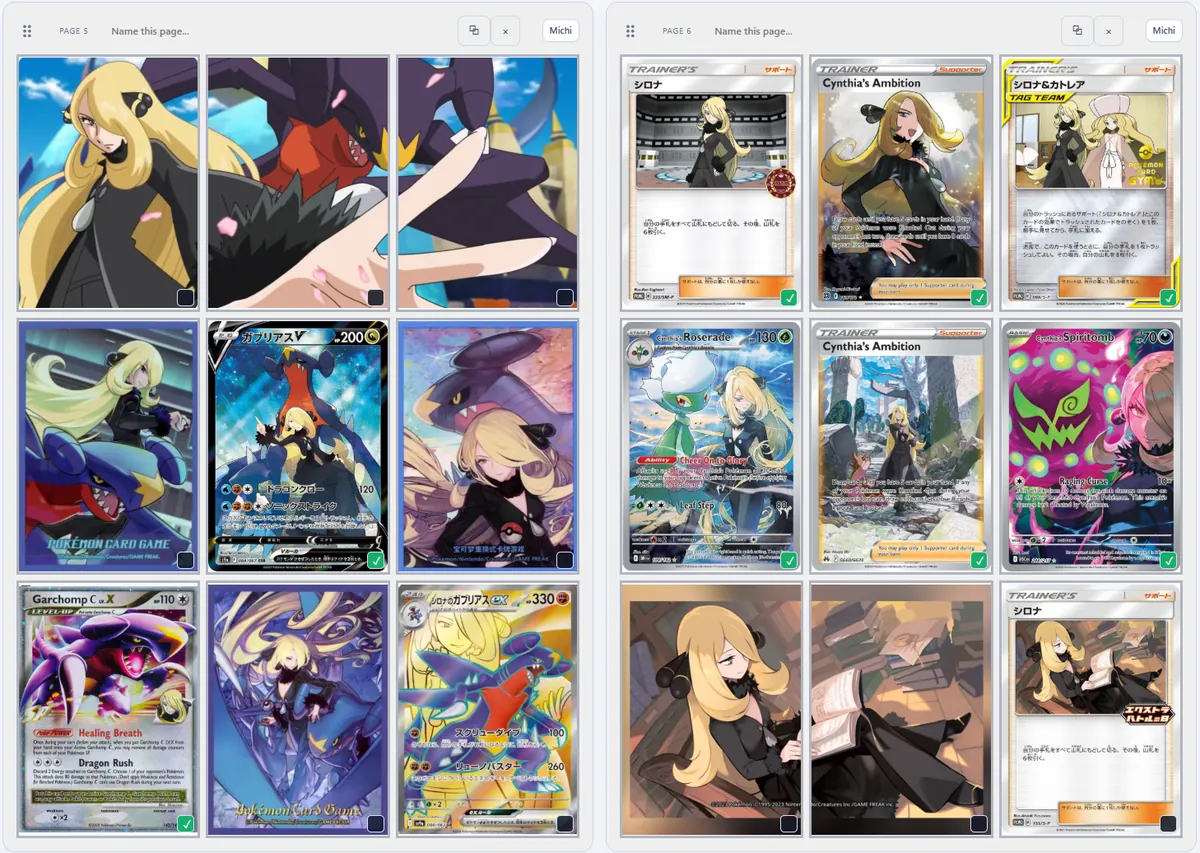
What is the Michi Method?
It's a style of binder page design popularized by @peeplop on Instagram. Instead of filling every pocket with a card, you plan the whole page: a piece of art runs across several pockets, the cards are arranged around it, and some pockets are left intentionally empty so the page can breathe.
WoahPoke: The Michi MethodA great write-up of the method with examples and inspiration.
Read on WoahPoke ↗A few principles show up in almost every great Michi page:
- The page is the canvas. Decide what the page is about before you place a card.
- Art crosses the pockets. An illustration split across pockets ties the page together.
- Cards are part of the picture. Place them where they frame or extend the art.
- Empty space is intentional. A blank pocket can do as much as a full one.
Layout patterns to try
Each diagram is a 9-pocket spread: two pages side by side.
Header bannerA wide strip of art across the top row of both pages, with cards below. The easiest place to start.
Across the spineArt fills the inner columns of both pages and reads as one image when the binder is open. Cards frame the outside.
Framed centerpieceA single art pocket in the middle of each page, surrounded by the cards it's about.
Breathing roomA corner block of art, a few chase cards, and empty pockets that keep the spread from feeling crowded.
ArtworkCardIntentional empty space
Real examples
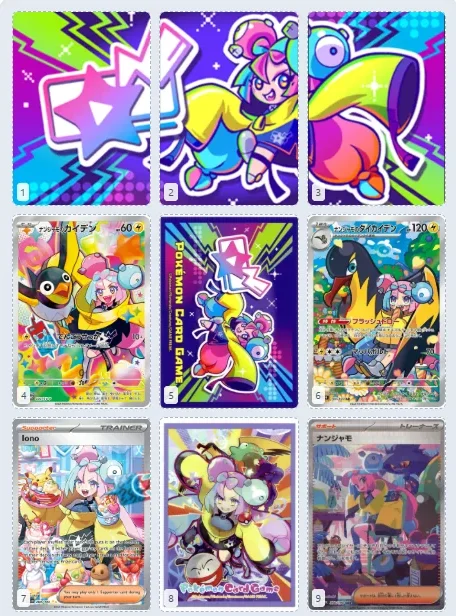
Iono, one illustration across a pagePlanned in binder.studio
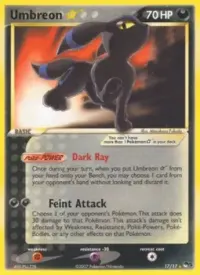
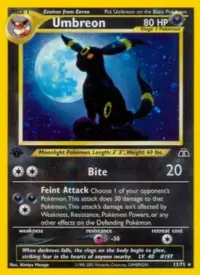
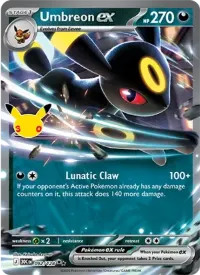
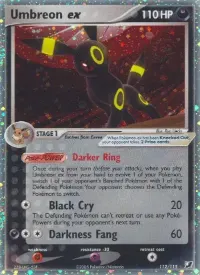
Moonlight Umbreon starter spreadArtwork pockets, chase cards and breathing room
PAGE 1Moonlight · left page
Artwork
Artwork
Artwork

Empty
space
space
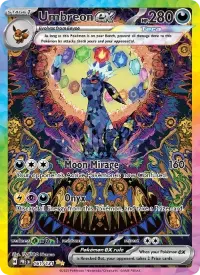
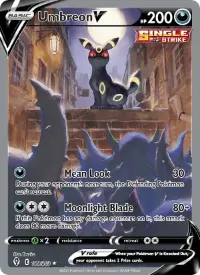
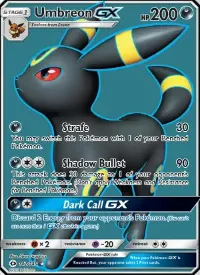
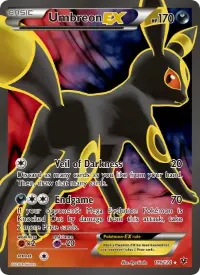
PAGE 2Moonlight · right page
Artwork
Artwork
Artwork
Artwork
Empty
space
space
Use this layoutOpens as a new binder. Add your own artwork in Michi Mode.
Plan a Michi page in binder.studio
- Sketch the page firstPick a pattern above and decide which pockets hold art, cards and empty space.
- Reserve the pocketsIn Michi Mode, mark pockets as artwork or intentional empty space so cards don't end up there by accident.
- Place the artworkUpload an image or use an image URL, then zoom and position it. The preview accounts for the gaps between pockets.
- Add the cardsSearch and drop cards into the remaining pockets, and tick ✓ the ones you own.
- Print the insertsEnter your binder's measurements, create card inserts, and print at actual size.
Need artwork? See where to find artwork for binder art inserts.
Printing tips
- Measure your binder. Pocket sizes and gaps vary between brands. Measure one pocket and the gap next to it in millimeters.
- Print a test page. Check the 20 mm calibration square with a ruler before printing on good paper.
- Use matte cardstock. Around 300 gsm stays flat in a pocket and cuts cleanly. Matte avoids glare through sleeves.
- Side-loading binders are your friend. Inserts stay put, and art that crosses pockets lines up better.
- Cut just inside the line. A hair smaller slides in easily. A hair larger buckles.