Two great places to find artwork
Bulbagarden Archives
The Pokémon artwork category is sorted into per-Pokémon subcategories in National Pokédex order, so it's quick to find every official illustration of one species. There are also categories by artist, including Ken Sugimori's artwork. File pages tell you where each image comes from, which helps when you want to credit it.
The Art of Pokémon
This one is built around illustrators. Browse recent artwork, catalogs and scans, and open an illustrator to see more of their work. Its Fanworks section collects pieces made by TCG artists, which is a great way to discover an illustrator's style before you build a page around their cards.
Credit the artist, keep it personal. Pokémon artwork is owned by its creators and The Pokémon Company. Printing inserts for your own binder is a common collector practice; selling prints isn't yours to do. Note the illustrator on your page name or insert, and link back to the source when you share photos.
Pick images that print sharp
A standard pocket insert is about 63 × 88 mm. At 300 DPI that's roughly 744 × 1039 pixels per pocket, so:
- A 3-pocket header strip wants an image around 2,300 px wide.
- A full 9-pocket page wants roughly 2,300 × 3,200 px.
- Smaller images still work for a single pocket. binder.studio shows you the crop before you print.
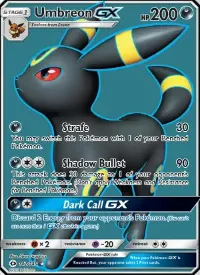
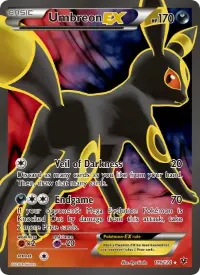
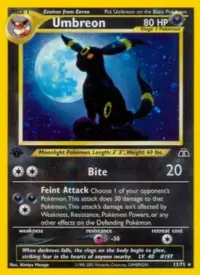
Prefer clean, full illustrations without text or card frames. Official artwork on a plain background is easy to frame and leaves room for a page title.
Turn artwork into inserts in binder.studio
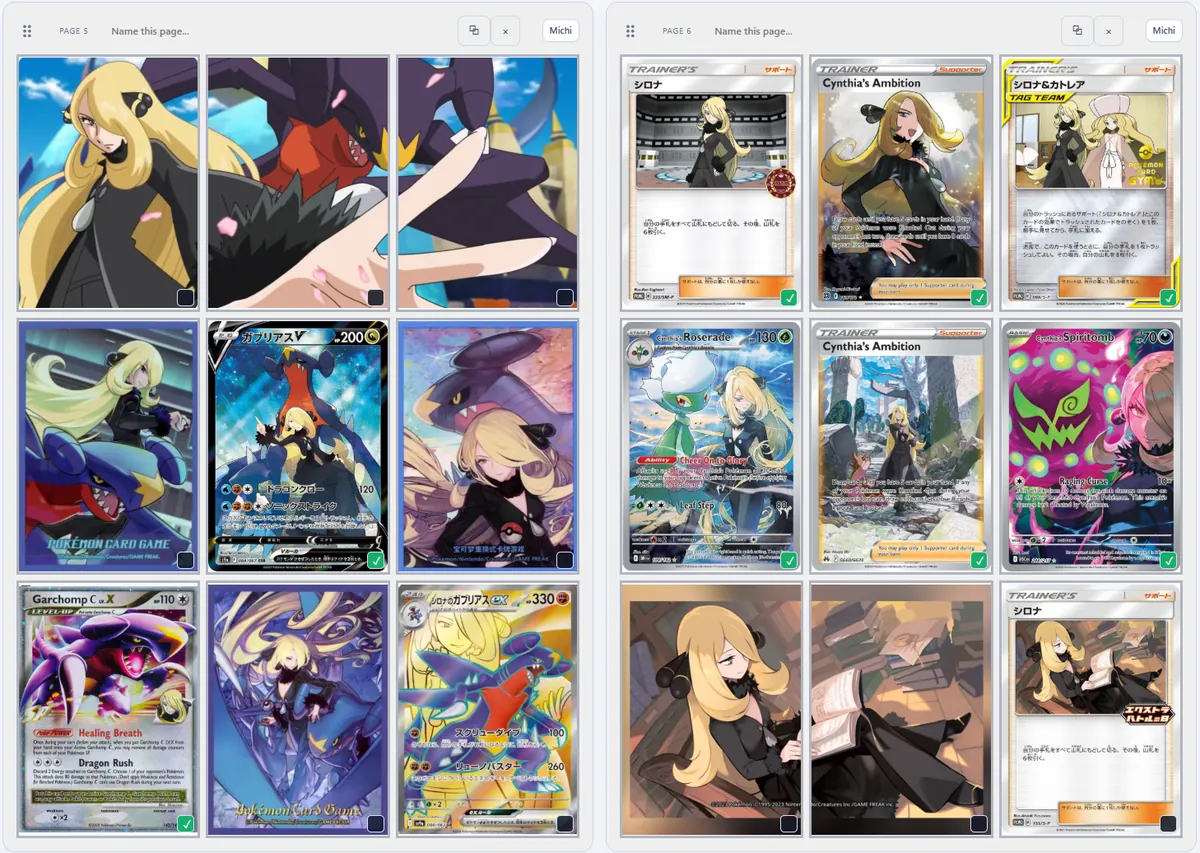
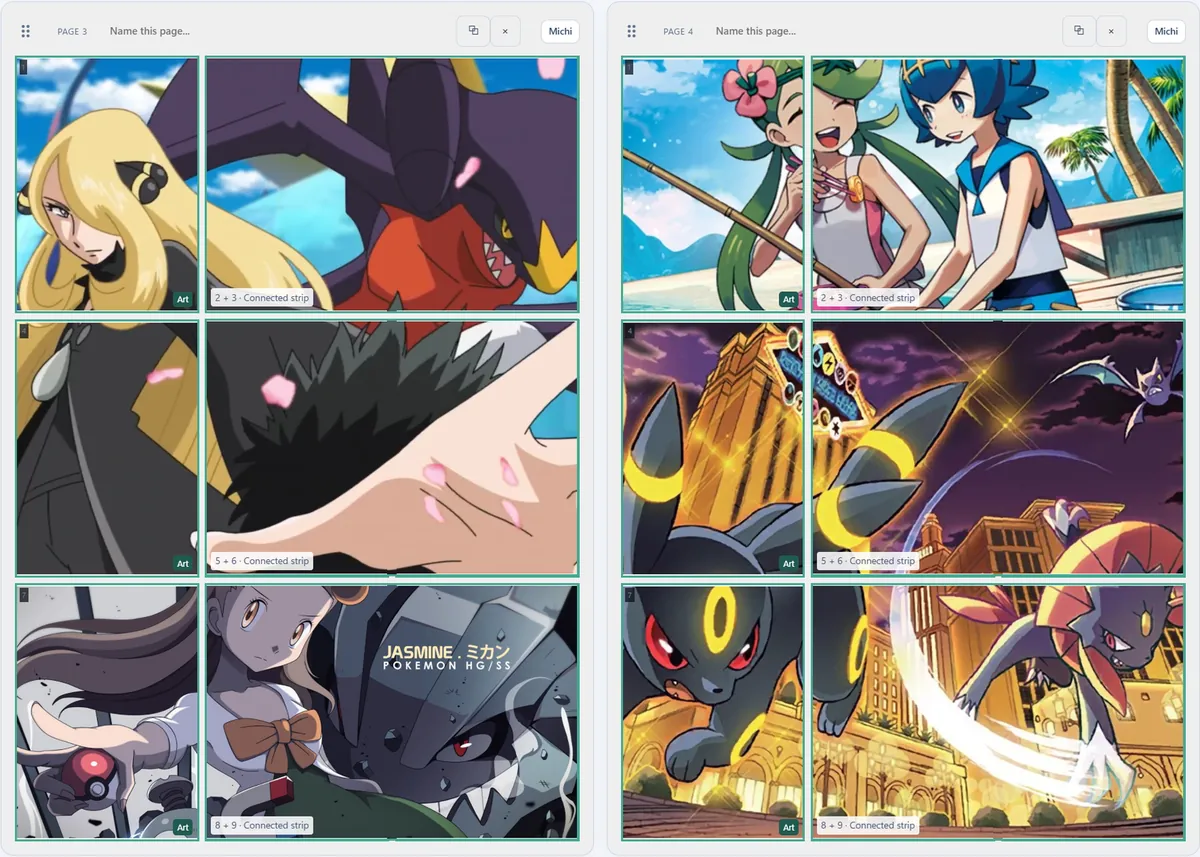
- Open Michi Mode on a pageChoose the pockets the artwork should cover. They can be one pocket, a row or a whole block.
- Add the imageUse an image URL or upload a file. If a website blocks cropping, save the image and upload it directly.
- Zoom and positionDrag and zoom until the subject sits where you want it. The preview splits the art across pockets with the gaps between them, so faces don't land in a seam.
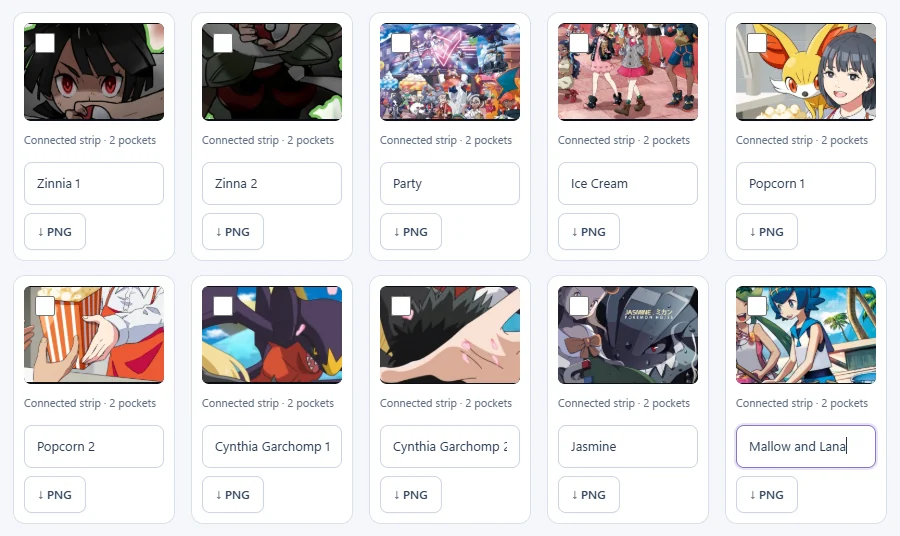
- Keep it in your Artwork galleryEvery artwork you place is saved, so you can reuse it on another page or binder.
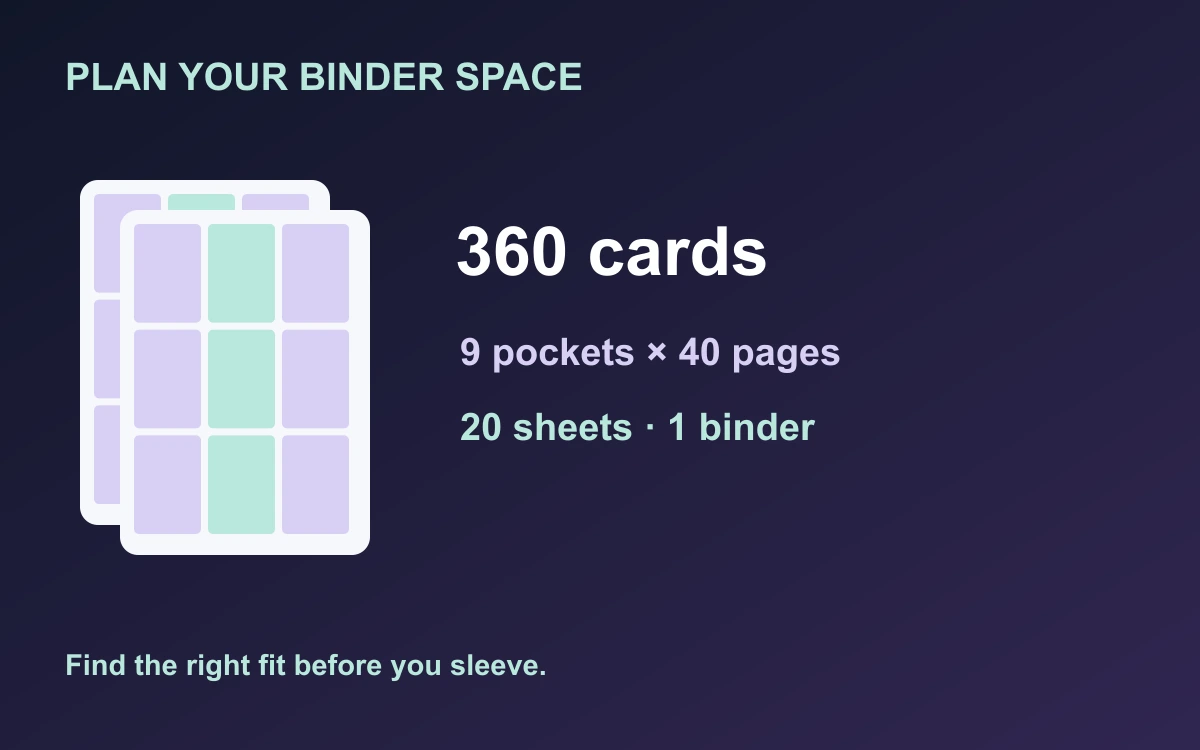
- Measure your binderEnter the insert width, height and pocket gaps in millimeters. The defaults are 63 × 88 mm with 3 mm gaps.
- Create card inserts and printPrint at 100% / actual size, check the 20 mm calibration square, then cut along the dashed outlines.
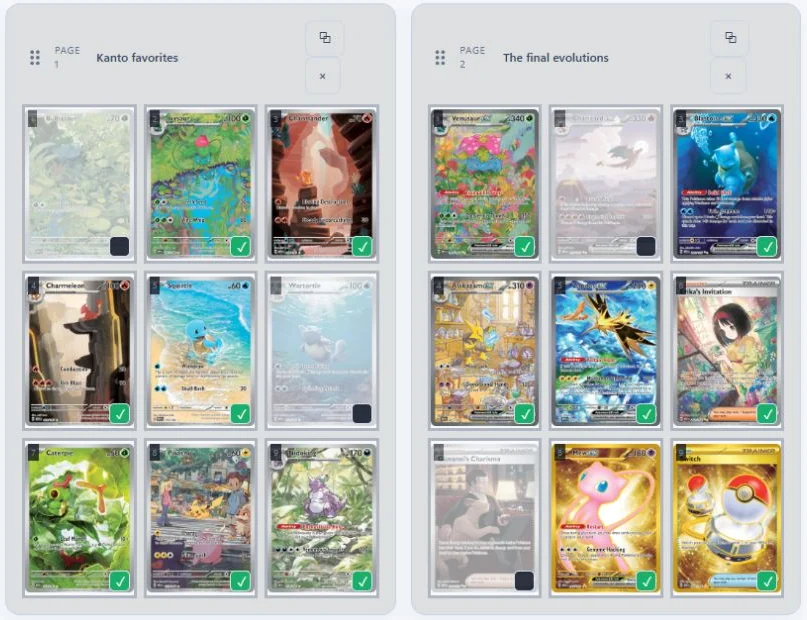
Examples

space

space